Artwork Labels for Exhibitions, Open Studios, and Storage
What this helps you do
Prepare accurate labels once and keep them consistent.
Artwork labels are small, but they carry a lot of responsibility. They identify the work, reduce repeated questions, support sales conversations, and help you find things in storage. A good label is clear, consistent, and connected to the artwork record behind it.
At a glance
Key takeaways
- Use one concise label format for walls, storage, and event paperwork so visitors and you can identify each work.
- Include only the details that serve the setting, then use an inventory number behind the scenes to connect the label to the full record.
- Check labels against the actual work before printing, especially title, dimensions, price, and availability.
Wall labels should be clear
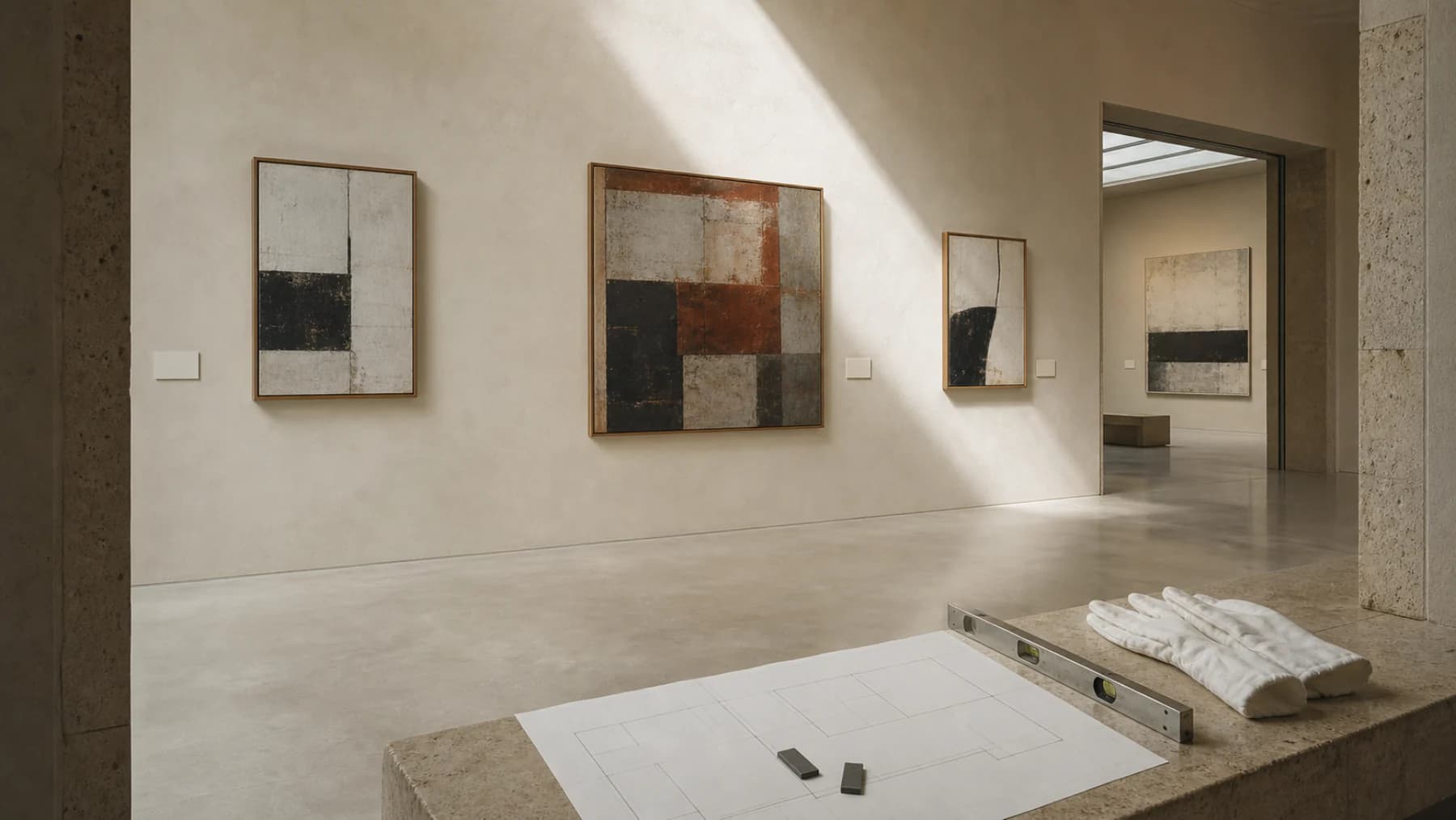
A wall label should not compete with the artwork. Use a clear hierarchy and enough white space. For most exhibitions, the standard details are artist name, title, year, medium, dimensions, and sometimes price or lender information.
Keep formatting consistent across the show. If one label uses inches and another uses centimetres, or one title is italicised and another is not, the installation starts to feel improvised.
Open studio labels can be more practical
Open studio visitors often need more direct information than exhibition visitors. If works are for sale, visible prices can reduce awkwardness. If you prefer not to show prices, keep a price sheet or QR code close by.
For open studios, consider including inventory number in small type. It makes it much easier to record which work someone asked about.
Storage labels are for finding things
Storage labels do not need to be beautiful. They need to be durable and readable. Include inventory number, title, year, and a brief description if the work is packed and not visible.
For boxed or wrapped work, label the outside clearly. Add orientation notes such as this side up or open from top if the packing method matters.
QR labels can help, but only if the destination is useful
A QR code should lead somewhere meaningful: a public artwork page, a private room, a portfolio selection, or a record that the right audience can access. A QR code that opens a broken page or private dashboard is worse than no QR code.
Use QR labels for studio archives, open studios, fairs, and wall labels when visitors benefit from extra images, details, or contact options.
Check every label against the artwork record
Most label errors come from copying old text. Before printing, check title, date, medium, dimensions, price, edition details, and status against the current artwork record.
This is another reason to keep records centralised. Labels should be outputs from the archive, not separate mini archives that drift out of date.
Useful label fields
- Artist name
- Title
- Year
- Medium
- Dimensions
- Edition details if relevant
- Price or availability where appropriate
- Inventory number
- QR code or contact path when useful
Worked example
A clear wall label
A simple exhibition label can read: Tidal Field, 2026. Oil on linen, 80 x 100 cm. The internal artwork code can stay in the checklist and on the back of the work, where it helps with installation and return without cluttering the visitor experience.
Print labels from the records you already trust
Artwork Codex can generate printable labels and QR labels from artwork records, keeping titles, dimensions, and inventory codes consistent.
Paid checkout requires a card. Cancel anytime. The Free plan remains available without a card.
Free plan available. Labels are cleaner when the data is already organized.