How to Organize Artwork Photos Before They Become a Mess
What this helps you do
Keep one reliable image set for records, print, and sharing.
Artwork photos multiply quickly. One painting can produce a raw file, edited image, website crop, print file, detail shot, framed shot, studio view, and phone snapshot. Without a system, the image you need is always somewhere, but never where you need it.
At a glance
Key takeaways
- Use the inventory number in image file names so each photo stays connected to the right work.
- Keep original camera files, edited files, web versions, and detail shots in distinct places.
- Choose one accurate primary image for every artwork and retain useful secondary views.
Start with the artwork code
The best image organization begins with the artwork, not the camera. If the work has an inventory number, use it in the file name. That keeps the image connected even if the title changes or several works share similar names.
A simple file name might be 2026-014_front.jpg, 2026-014_detail-01.jpg, or 2026-014_verso.jpg. The goal is not beauty. The goal is fast recognition.
Separate originals from working files
Keep original camera files separate from edited outputs. Do not overwrite the original. You may need it later for print, press, insurance, or a better crop.
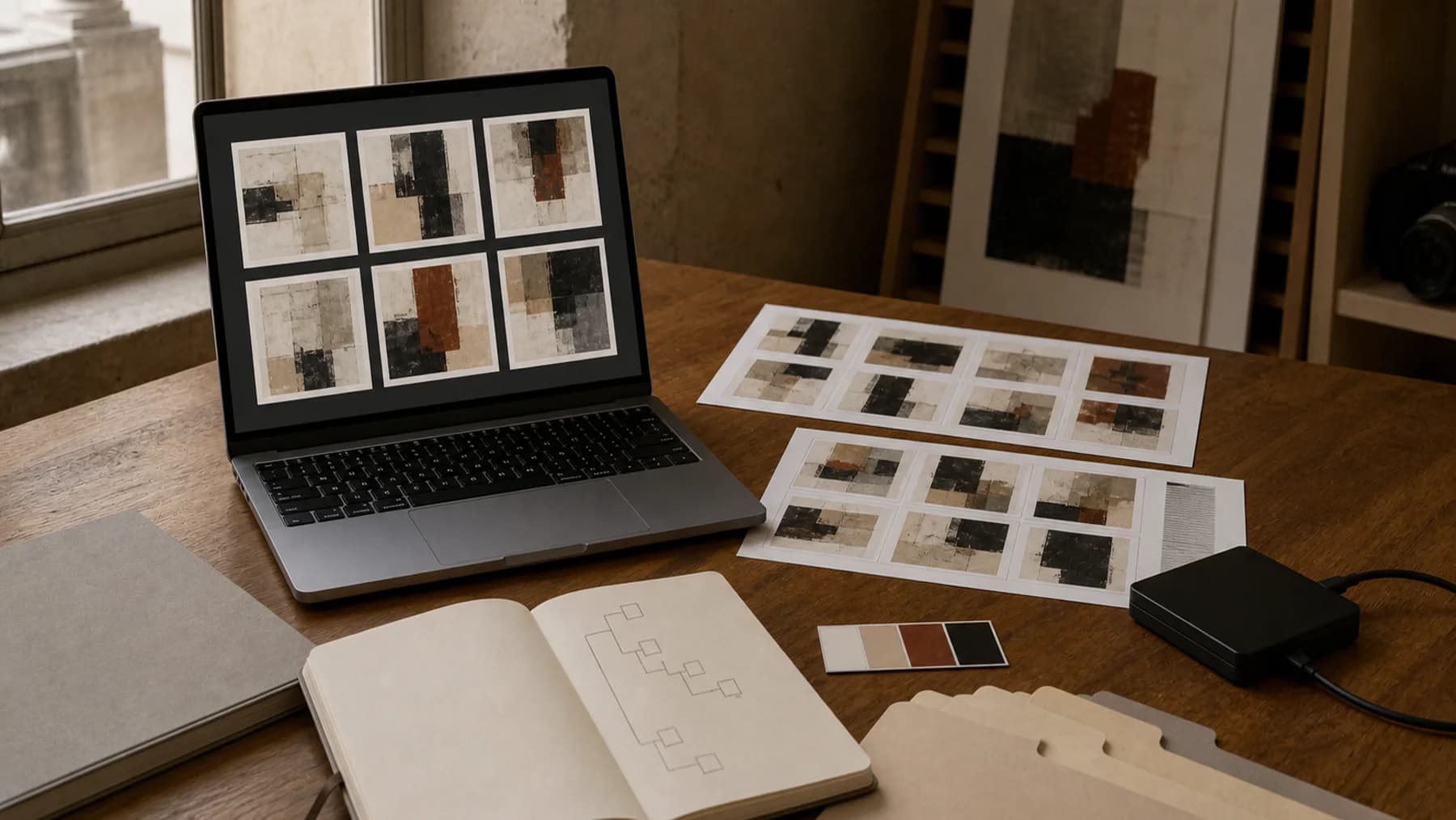
A simple folder structure can be enough: Originals, Edited, Web, Details, Installation. If you prefer not to maintain folders manually, make sure your inventory system stores the chosen final images clearly.
Choose a hero image for each artwork
Every artwork needs one primary image that represents it in lists, portfolios, PDFs, and previews. This should usually be the cleanest straight-on image of the whole work, cropped square to the edges when appropriate.
Detail shots, studio views, scale images, and framed images are valuable, but they should not replace the main record image unless the detail is the only accurate representation of the piece.
Keep useful secondary images
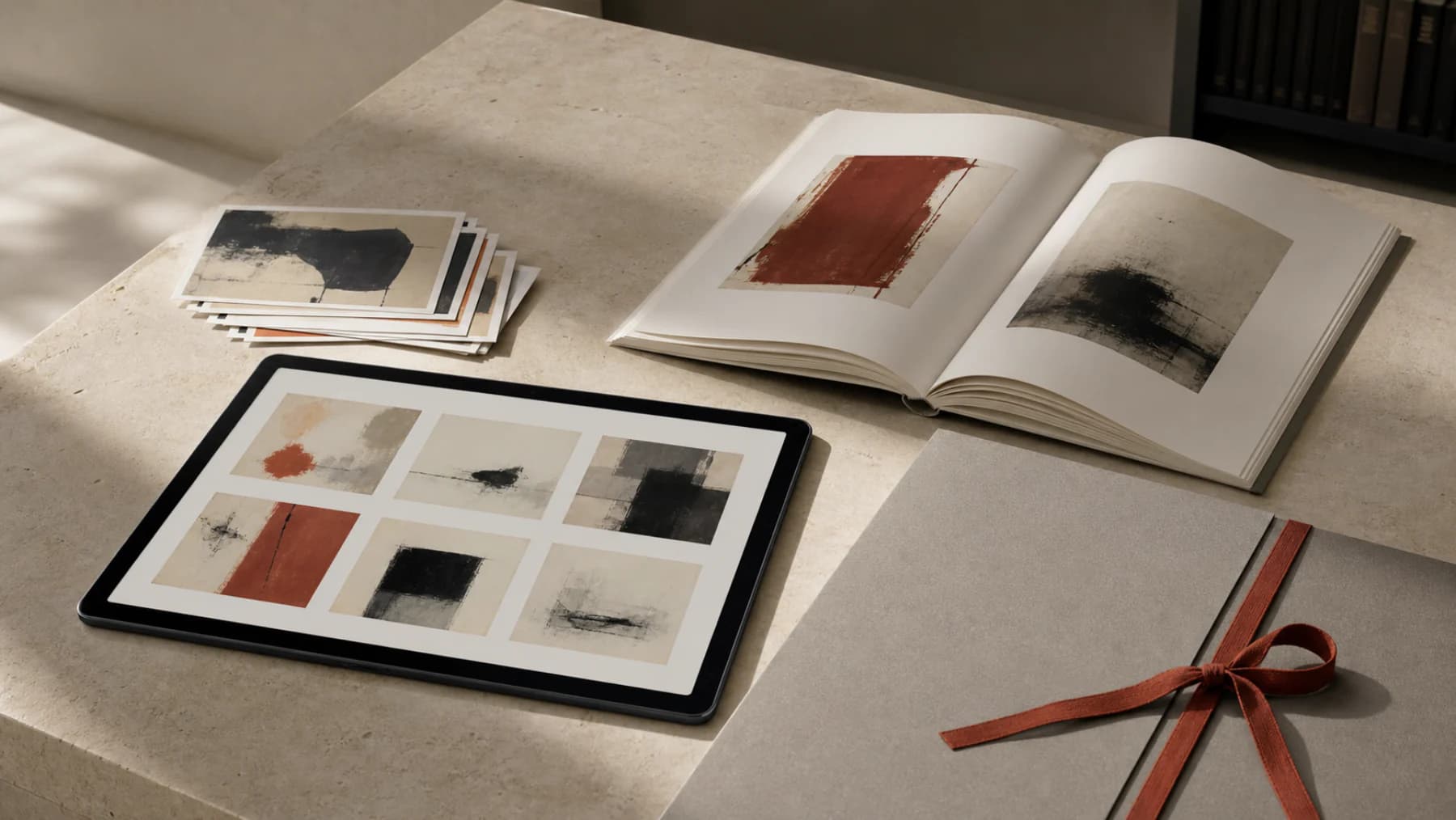
Secondary images help collectors, galleries, conservators, insurers, and future you. They also reduce repetitive questions when someone asks about texture, framing, scale, or signature.
- Front view
- Back or verso view
- Signature or inscription
- Frame view
- Surface detail
- Scale or installation image
- Condition detail if relevant
- Certificate or label image if useful
Do not let phone photos become the archive
Phone photos are useful for quick notes, process shots, and sending a fast preview. They should not be the only record of finished work. A final artwork deserves a clean, high-resolution image made in consistent light.
If you do use phone images temporarily, mark them as temporary and replace them later. Otherwise they become permanent by accident.
Back up the image library
Artwork images are part of the artwork record. Losing them means losing portfolio history, sales material, insurance evidence, and sometimes the only good record of sold work.
Keep at least one cloud backup and one local backup. For important bodies of work, export a periodic copy of both image files and artwork data so the archive can be rebuilt if a service or device fails.
Worked example
One artwork photo set
For artwork W-2026-014, save W-2026-014_master.tif, W-2026-014_web.jpg, W-2026-014_detail-01.jpg, and W-2026-014_verso.jpg. The names remain useful even if the artwork title changes.
Keep artwork images attached to the right record
Artwork Codex stores multiple media items on each artwork record, including display images and supporting views, so images stay connected to titles, dimensions, prices, and documents.
Paid checkout requires a card. Cancel anytime. The Free plan remains available without a card.
Free plan available. Studio plans support larger media archives.