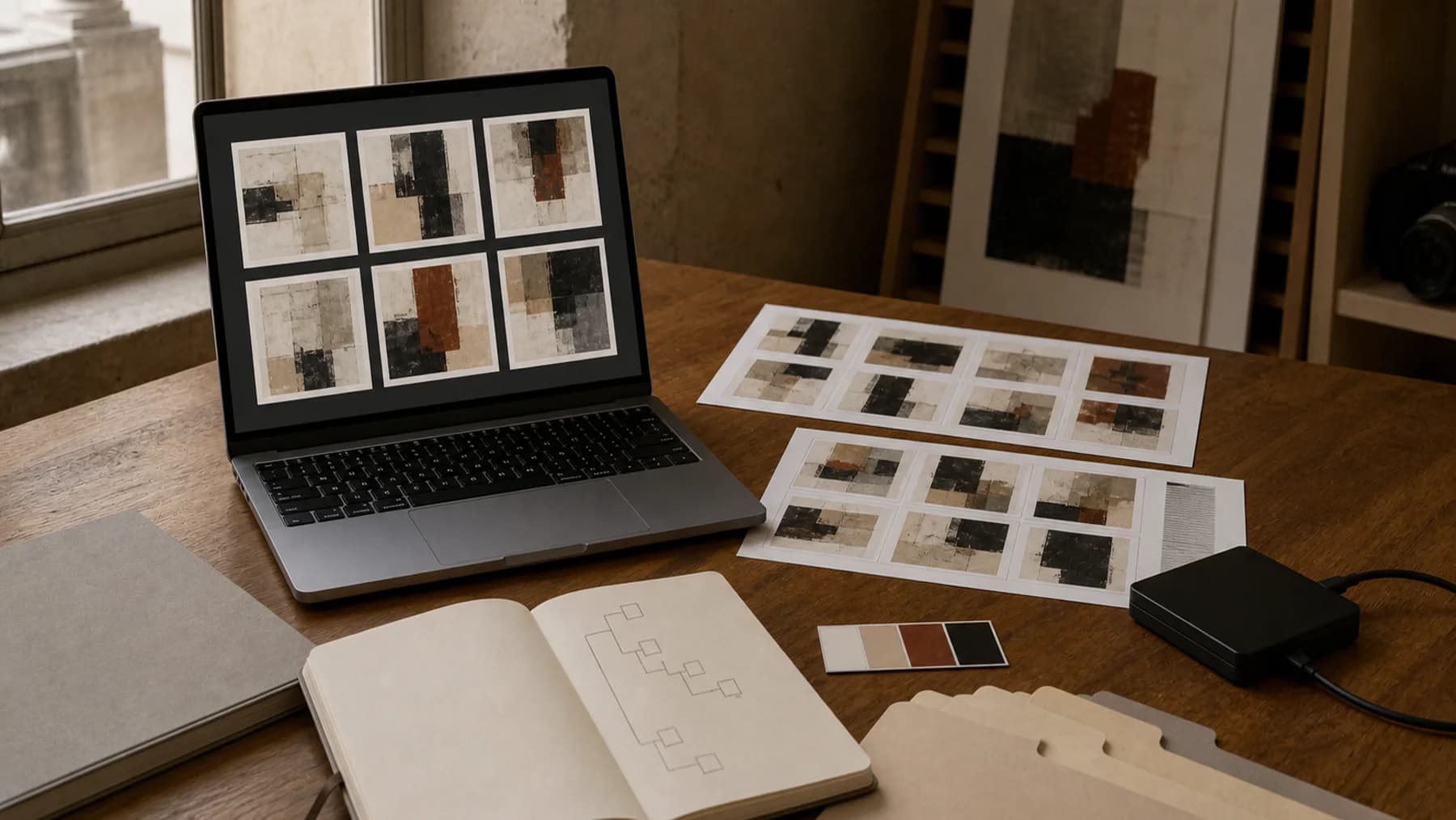
Artist Backup Strategy: Protect Images, Documents, and Records
What this helps you do
Build a backup routine you can actually restore from.
An artist archive is not only the work in the room. It is images, certificates, invoices, collector records, exhibition documents, price history, and notes. If those files vanish, part of the practice vanishes with them. A backup strategy is not paranoia. It is basic studio maintenance.
At a glance
Key takeaways
- Back up the records that explain the art as well as the image files themselves.
- Keep multiple copies on different storage, including one away from the working machine.
- Test recovery occasionally so you know the files can be found and opened when needed.
Know what needs backing up
Start by listing the parts of your archive that would be painful to lose. For most artists, that includes artwork images, raw photo files, edited images, inventory data, invoices, certificates, consignment agreements, exhibition records, statements, CVs, and contact lists.
The physical artwork matters, but the documentation around it is often what lets the work move through the world professionally.
Use the 3-2-1 principle
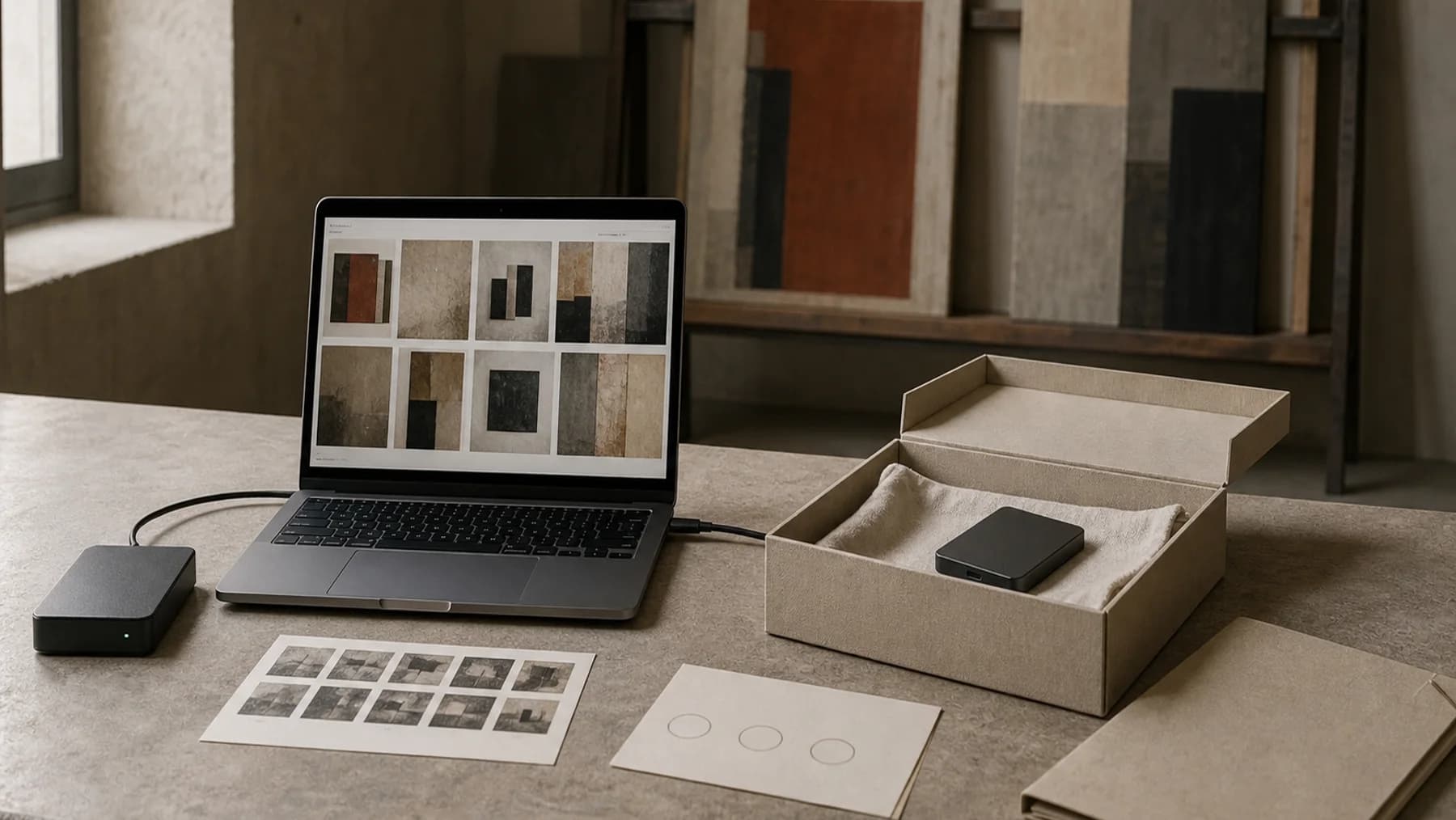
A simple backup rule is 3-2-1: keep three copies, on two types of storage, with one copy off-site or in the cloud. You do not need an enterprise setup. You need enough redundancy that one broken laptop is not a disaster.
For example: your working computer, an external hard drive, and a cloud backup. The cloud copy protects against theft, fire, flood, and the mysterious death of a drive in a drawer.
Export structured records, not only images
Many artists back up image folders but forget the data that explains them: titles, dates, dimensions, prices, buyers, locations, and exhibition history. Images without records become hard to use.
Schedule a periodic export of your inventory data. A CSV export is not glamorous, but it gives you a portable copy of the archive's structure.
Name files so recovery is possible
Backups are only useful if you can find things after something goes wrong. Use inventory numbers in file names where practical and keep folder names plain.
Avoid giant folders called final, new final, real final, or website maybe. Recovery is stressful enough without detective work.
Test the backup
A backup you have never tested is a hope. Once or twice a year, restore a few files from each backup location. Check that image files open, CSV exports are readable, and document folders contain what you expect.
This small test catches expired cloud accounts, failed drives, sync mistakes, and missing folders before a real emergency.
A practical backup rhythm
- Back up working files continuously or weekly.
- Export artwork records monthly or after major updates.
- Export sold work documents after each sale.
- Back up raw and edited image folders after each photo session.
- Test recovery twice a year.
Worked example
A practical three-copy routine
Keep active files on your computer, a second copy on an external drive, and a third copy in a cloud service. After a major photo session, add the original and edited folders. Once or twice a year, restore a few files from each place and open them.
Sources and further reading
Keep your archive exportable and backed up
Artwork Codex supports structured artwork records, image storage, CSV export, and media export workflows so your archive is not trapped in one fragile place.
Paid checkout requires a card. Cancel anytime. The Free plan remains available without a card.
Free plan available. Paid plans add larger archives and media workflows.