Free studio tool
Give your artwork records a second home.
Use this quick planner to check the essential copies of your inventory, images and documents. Finish with a short list of what to do next.
Use the free tool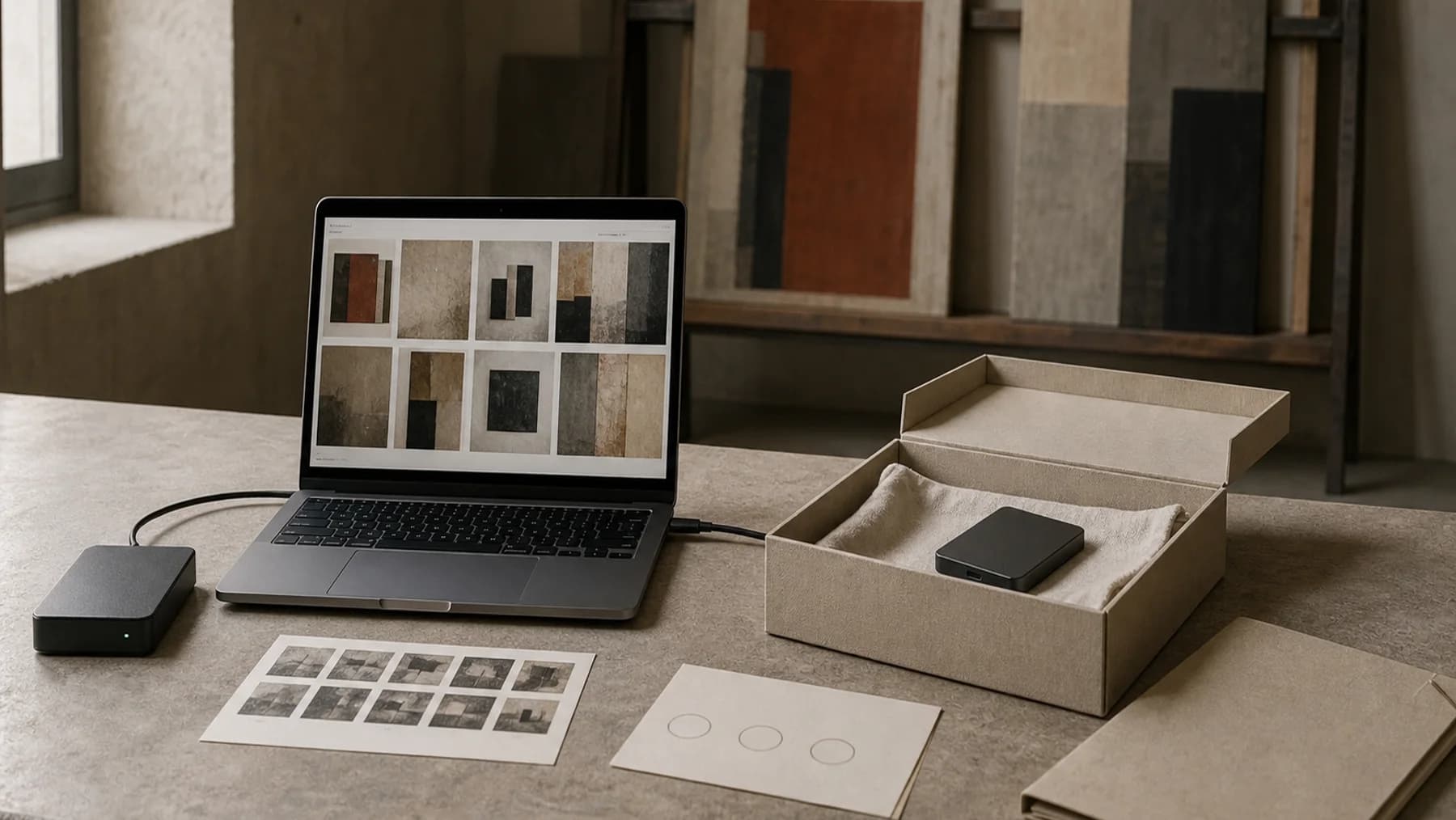
Tool 03
Choose what your backup protects
0%
Start with inventory data and artwork images.
Artwork Codex · Free studio tool
artworkcodex.com/resources/studio-backup-planner
Studio backup plan
0%
Covered
Nothing selected yet.
First priorities
- Inventory dataTitles, dimensions, status and locations.
- Artwork imagesCurrent display images and high-resolution originals where needed.
A backup is not only a copy of image files. It is also the information that explains them: titles, dimensions, locations, invoices, certificates and notes that let you recognise what a file represents years later.
Keep the first version simple. Choose a separate place for the records that matter most, then check that you can open it. A backup that has never been opened is still an unanswered question.
If you want one place to keep current artwork information alongside its documents, before committing to a new workflow.